

Quick answer: A useful small-site SEO audit starts by confirming that important pages can be crawled and indexed, then checks search intent, page titles, internal links, mobile usability, image descriptions, and real user value. You do not need a large paid toolset to find many common problems.
SEO audits often become overwhelming because dashboards show hundreds of warnings without explaining which ones matter. Use this checklist to prioritise issues that stop people or search engines from finding and understanding your best pages.
The 12-point SEO audit
1. Confirm that the site is indexable
Open Google Search Console and inspect key URLs. Check for accidental noindex directives, blocked resources, canonical mistakes, or server errors. A sitemap helps discovery but does not guarantee indexing.

Submit the sitemap and inspect important pages individually.
2. Make sure each page has a clear purpose
Ask what question the page answers and who it helps. If two pages satisfy exactly the same intent, consider combining them rather than publishing near-duplicates. Do not create pages just to target tiny variations of one keyword.
3. Improve titles and headings
Write a distinct, accurate title that describes the page. Use headings to organise sections, not to repeat the same keyword. A good title helps a reader understand the result before clicking; it should not promise something the page fails to deliver.
4. Check search intent and content completeness
Compare your page with the actual problem searchers have. Include definitions, steps, examples, limitations, and decision criteria where useful. Add original analysis rather than merely summarising other websites. There is no universal word count that guarantees ranking.
5. Strengthen internal links
Link from related articles to your most useful guides using descriptive anchor text. Important pages should not be buried with no contextual links pointing to them. Avoid adding a long block of unrelated links just to increase the count. For example, a post about automation can naturally link to our AI automation tools guide, while a freelancer workflow article may reference free AI tools for freelancers.
6. Review broken links and redirects
Click important internal and external links. Fix 404s, redirect obsolete URLs to the closest relevant replacement, and avoid chains of redirects. Do not redirect unrelated deleted pages to the homepage simply to hide errors.
7. Optimise images responsibly
Use clear filenames, appropriate dimensions, compressed formats, and useful alt text when an image conveys information. Alt text should describe the image’s purpose, not stuff keywords. Decorative images can use empty alt text when appropriate.
8. Check mobile experience and page speed
Test pages on a real phone or responsive browser. Look for text that is hard to read, buttons that are difficult to tap, intrusive popups, and layout shifts. Use PageSpeed Insights as a diagnostic tool, but prioritise user-visible issues instead of chasing a perfect score.
9. Verify canonical URLs
Make sure each important page points to the intended canonical URL. Watch for duplicate versions caused by parameters, trailing slashes, or HTTP/HTTPS variants. Canonicals are signals, not a command that guarantees Google will choose that URL.
10. Add structured data only when accurate
Use relevant schema supported by the page and keep the markup consistent with visible content. Structured data can make a page eligible for certain search appearances; it does not guarantee a rich result or higher ranking.
11. Make trust and site navigation clear
Provide working About, Contact, and Privacy Policy pages, a clear menu, and visible author or editorial information appropriate to the site. These elements help visitors understand who is behind the content and how to contact you.
12. Track outcomes, not vanity metrics
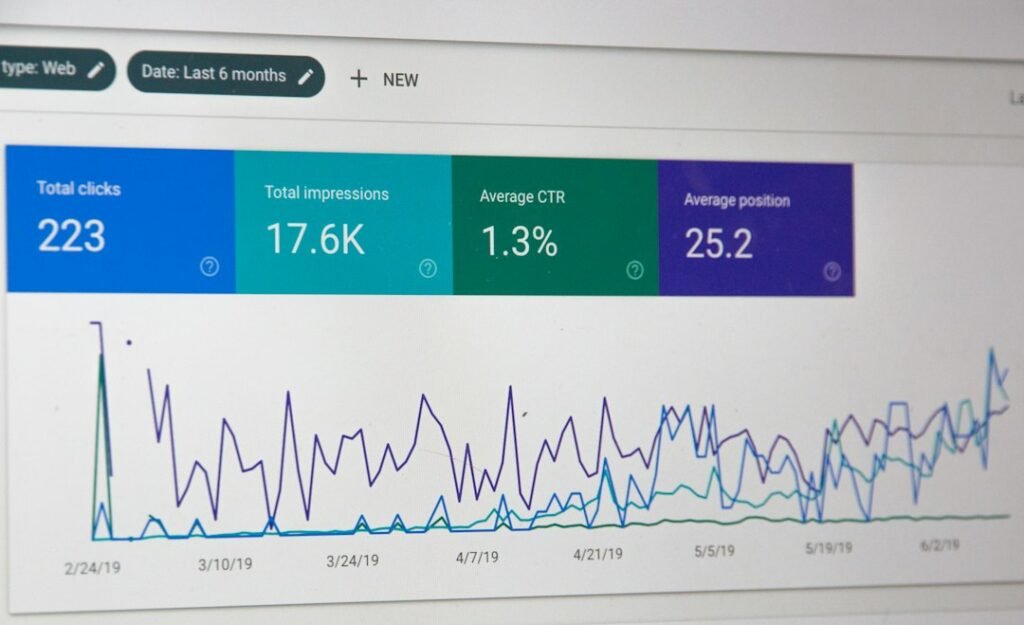
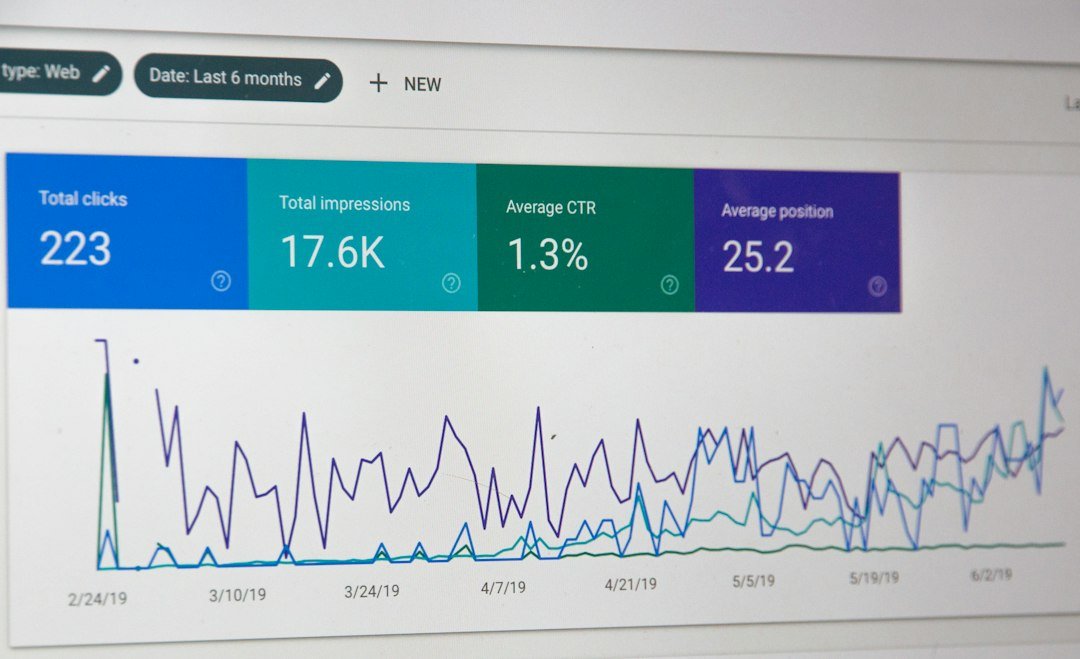
Review Search Console impressions, clicks, queries, and indexing issues over time. Change one important thing at a time where practical and allow enough time to observe results. Rankings fluctuate, and no audit can guarantee a position.
A simple monthly routine
- Weekly: check indexing and serious site errors.
- Monthly: update pages with new facts, examples, or clearer explanations.
- Quarterly: review internal-link gaps, old URLs, and pages with no clear audience value.
- After major changes: inspect key URLs and test mobile navigation.
Frequently asked questions
How often should I run an SEO audit?
Small sites can review key technical checks monthly and perform a deeper review quarterly or after a redesign.
Can a free tool find every SEO problem?
No single tool finds everything. Combine Search Console, browser checks, analytics, and a careful read of the content itself.